Micro:bit for Sustainability: How Corporation Primary Students Learned to Code Solutions for the Environment
Moisture sensors, light readings and a wireless anti-poaching alarm: inside five sessions where Primary 5 students taught a pocket-sized computer to save water, energy and wildlife.
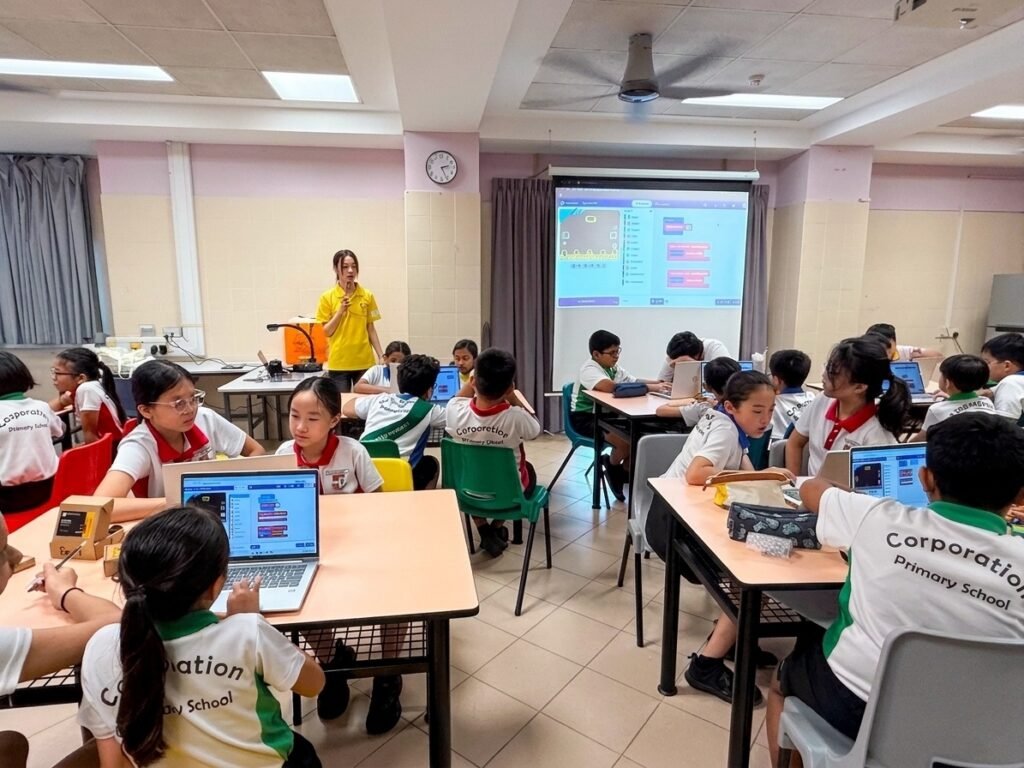
In July 2026, The Young Maker ran a micro:bit sustainability programme with Primary 5 students at Corporation Primary School. Students learned how computers sense the world, then used the BBC micro:bit to build projects that conserve water, save energy and protect wildlife.
What was the Micro:bit for Sustainability programme?
Micro:bit for Sustainability is a coding and digital making programme that teaches students how hardware and software work together, using environmental problems as the reason to build.
How does a micro:bit sense the world?
The BBC micro:bit is a pocket-sized computer with its own processor, memory, inputs and outputs. Students began by comparing it to a laptop, then explored its LED matrix, buttons, pins, accelerometer and built-in light and temperature sensors.
From there, they moved from built-in sensors to external ones connected through the micro:bit's pins. They learned the difference between digital signals (on or off) and analog signals, which the micro:bit reads as a number between 0 and 1023. That number became the raw material for every sustainability project that followed.
Feedback loops: the idea behind every project
A feedback loop lets a device respond to its surroundings without a person pressing a button. Our Young Makers built theirs from three coding concepts, introduced one at a time:
- Variables to store live sensor readings such as light level, temperature or moisture.
- Conditionals (if/else logic) to decide what to do when a reading crosses a threshold.
- Loops ("forever" blocks) to keep sensing and responding, so the system reacts as conditions change.
Setting the right threshold turned out to be the interesting part. Students calibrated their sensors by testing them in real conditions, noting the readings and adjusting their code until the device behaved sensibly. That is the same test-and-refine process engineers use.
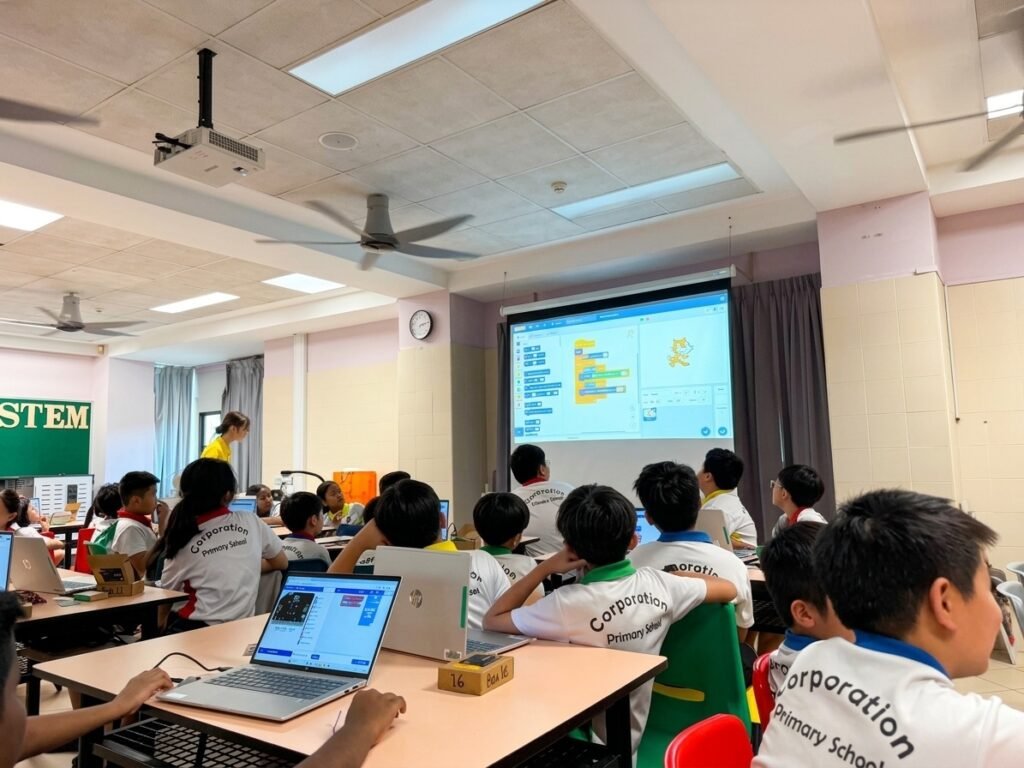
What students built: micro:bit sustainability projects
Working in teams, students chose a sustainability problem and built a micro:bit system to tackle it. The projects fell into two broad groups.
Water and energy conservation: run only when needed
The biggest source of waste in everyday systems is running when nothing needs to happen. This project used sensor input to decide when to act, and stayed idle the rest of the time.
- Smart water and energy saver: a moisture sensor, water level sensor and the micro:bit's built-in light and temperature sensors feed live readings into one system. The micro:bit signals for watering only when the soil reads dry and stops once it is moist, warns before a tank runs low, switches lights on only when it gets dark and triggers cooling only when it gets too hot. Everything else stays off, so no water or power is used unless the readings call for it.
Wildlife conservation: an anti-poaching alert
Other teams looked beyond resources to protecting animals. Their anti-poaching systems used a micro:bit as a sensor at the edge of a protected area, detecting movement or disturbance through its built-in sensors. When something was detected, the micro:bit used its radio feature to send a wireless alert to a second micro:bit acting as a ranger's station, so help could be sent before harm was done.
Every project, whichever theme it tackled, followed the same pattern: take in data, compare it to a threshold, act only when it matters and keep checking. Seeing one idea solve very different problems was one of the clearest takeaways of the programme.
Design Thinking: from problem to prototype
Before writing any code for their projects, students worked through the five stages of Design Thinking: Empathise, Define, Ideate, Prototype and Test. They thought about who would use their device and what that person really needed, then narrowed a big issue such as water waste or poaching down to one specific problem their micro:bit could address.
Teams sketched their ideas and planned which sensors to use, what conditions to check and what output would be most useful. Then they built, tested under different conditions, gathered feedback from other groups and improved their designs. Treating the first version as a draft rather than a finished product is a habit that carries well beyond coding.
What skills did students take away?
- Computational thinking: breaking a problem into inputs, decisions and outputs.
- Block-based programming in MakeCode, including event-driven code, variables and conditionals.
- Working with hardware: safe circuit wiring, analog and digital sensors, and reading real data.
- Calibration and iteration: testing, observing and refining thresholds until a system works reliably.
- IoT foundations: an early look at how connected devices sense, decide and communicate.
- Teamwork and communication: planning together and explaining design choices to others.
Bringing Micro:bit for Sustainability to your school
The Young Maker has taught coding and digital making in primary and secondary schools across Singapore since 2020.
If you are exploring how coding fits into your school's applied learning, read our take on coding and robotics in MOE schools. You can also see how we taught Scratch and micro:bit at Greendale Primary and how Bukit View Primary students trained their own AI models. For individual learners, our coding and robotics classes in Singapore run year-round.
Frequently asked questions
What is a micro:bit sustainability project?
A micro:bit sustainability project uses the BBC micro:bit and its sensors to tackle an environmental problem, such as wasted water, wasted energy or threats to wildlife. Students program the micro:bit to read real-world data, decide what to do with it and respond automatically, so resources are only used when they are actually needed.
What is a feedback loop in coding?
A feedback loop is a cycle where a program senses something, makes a decision and acts, then senses again to check the result. In a micro:bit project, that might mean reading soil moisture, switching on a watering alert only when the soil is dry, and switching it off once the reading recovers.
Do students need prior coding experience?
No prior coding experience is needed. The programme starts with the basics of how a computer works and simple block-based coding in MakeCode, then builds up to variables, conditionals and external sensors one session at a time.
Can The Young Maker run this programme at my school?
Yes. The Young Maker teaches coding and digital making programmes in primary and secondary schools across Singapore, and the Micro:bit for Sustainability programme can be adapted to different levels, class sizes and session lengths. Get in touch through our sign-up page to start the conversation.
Bring hands-on micro:bit learning to your students
Whether you are planning a school programme or looking for a class for your child, The Young Maker can help Young Makers build technology that makes a difference.
Get in touch